
Notify Me is unreliable
Meta does not publish a saved-search delivery guarantee, and Facebook does not show a user-facing log of which search alerts were sent.
A saved search keeps the query and filters you use repeatedly. Facebook may also offer a notification control for new matches. The label and location vary between app versions, and notifications depend on settings inside Facebook and on your phone.
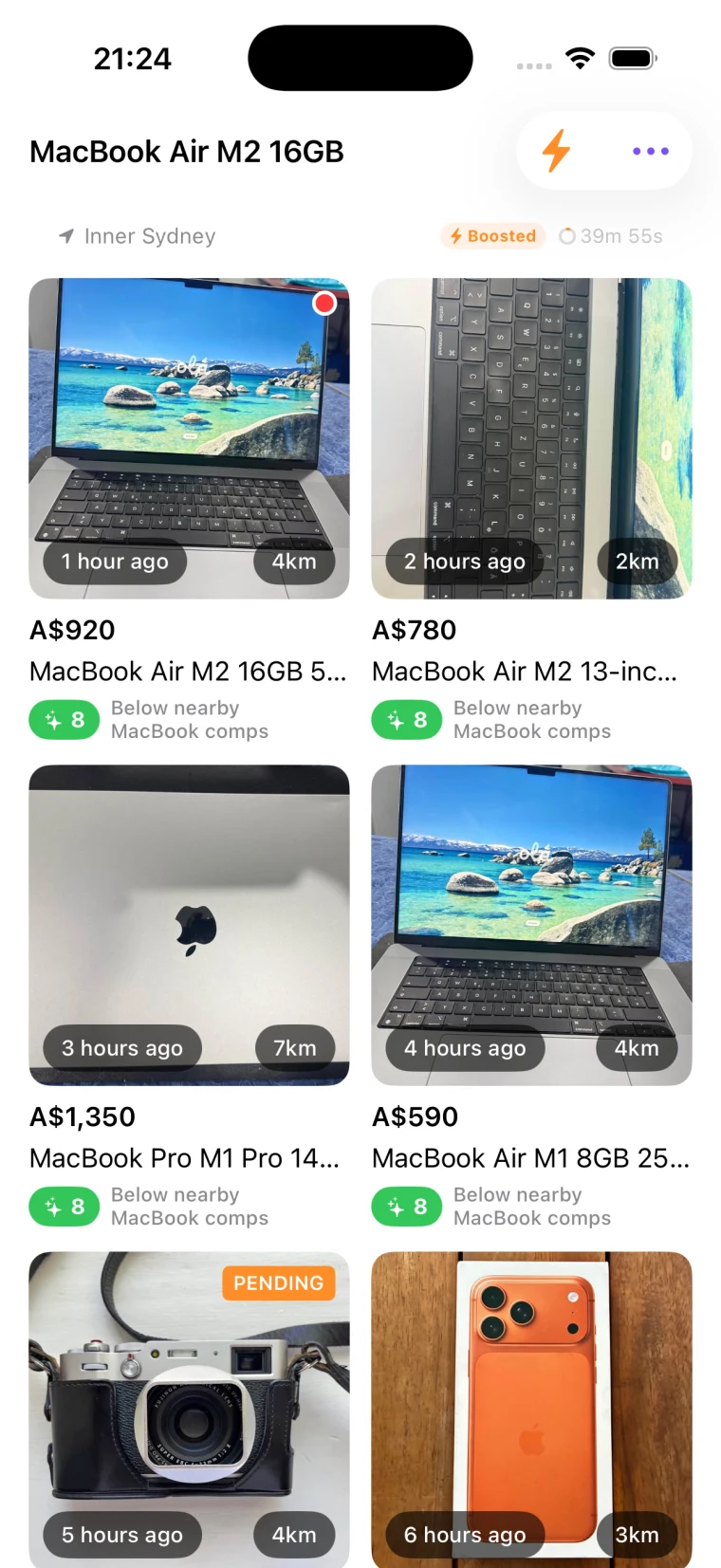
Setup
Facebook changes the controls between iOS, Android, desktop, and account rollouts. Start with the same search and filters on each device, then look for the save or notification control on the results page.
Open Facebook Marketplace, type the query, then add filters: category, location radius, price range, and condition. Save the search only after the first page of results looks like listings you would consider.
Facebook changes the label and placement between app versions. On the results page, look for Save, Notify Me, or a bell control. If none appears, update Facebook and check the same search on the mobile app.
Open Facebook’s notification settings and make sure Marketplace notifications are on. Your phone must also allow notifications from Facebook. These are separate switches.
Review saved searches regularly and delete the ones that no longer produce listings you would contact. A shorter list also makes it easier to notice when one search has stopped being useful.
The catch
Saving a search is easy. Its notifications still depend on Facebook and phone settings, and they contain limited context. These are the four gaps that show up for serious buyers.
Meta does not publish a saved-search delivery guarantee, and Facebook does not show a user-facing log of which search alerts were sent.
When an alert does arrive, it tells you a listing exists. It does not tell you whether the price is fair or whether the seller looks legitimate.
Saved searches sometimes pull listings far outside the radius you set, especially in low-supply categories. You end up triaging matches you cannot collect.
You cannot see which saved searches produced the best matches over time, or which ones are noisy. Every review is from memory.
Make it work harder
These work whether or not you bring in a third-party tool. Each one improves the signal-to-noise of whatever notifications you do receive.
Reliable alerts
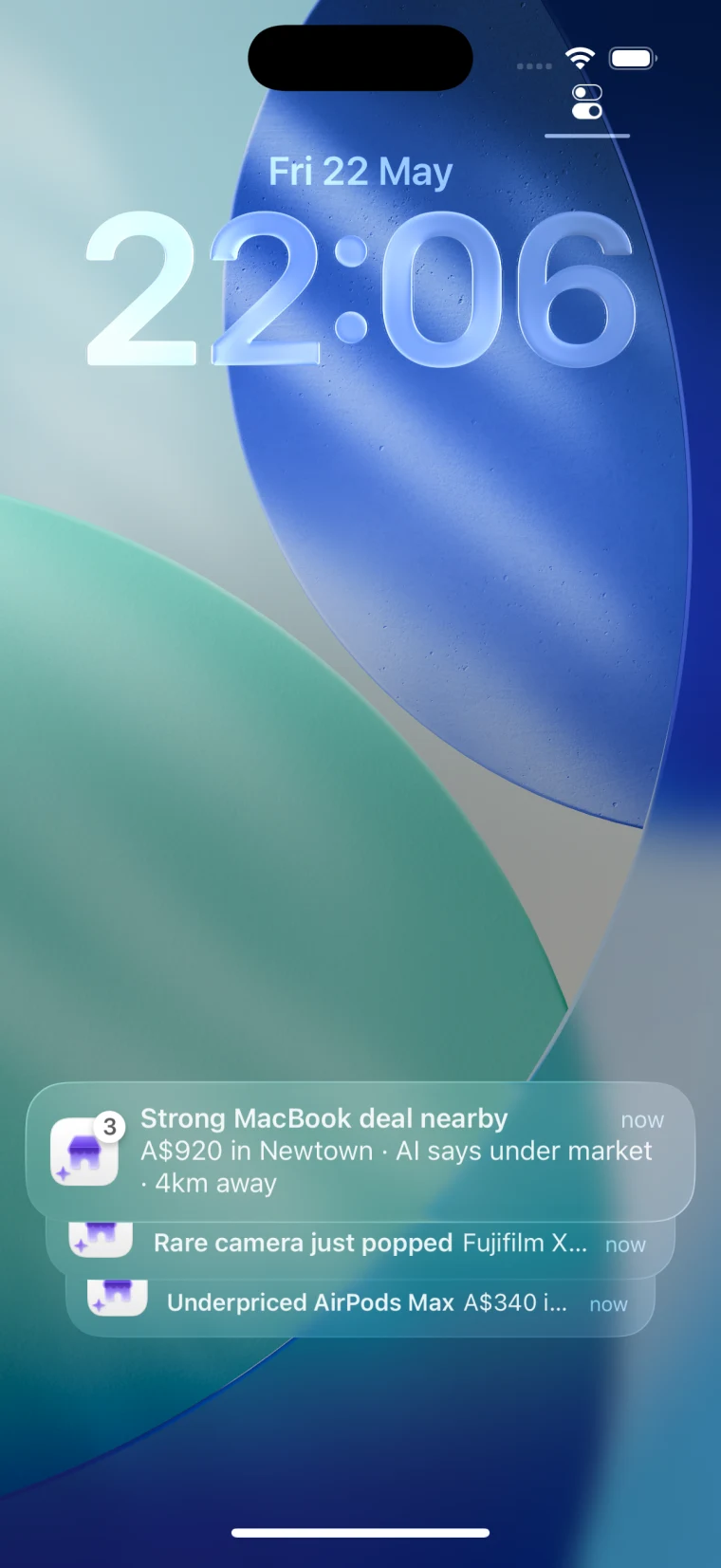
Spottable is an iPhone app and Chrome extension built to monitor Marketplace searches and add deal context after a match. Its iPhone alerts do not depend on Facebook’s Marketplace notification setting.
The iPhone app requires an active trial or subscription. Plans start at US$4.99/month. Chrome includes 3 free AI analyses per day.
FAQ
Run the search and apply the location, price, category, and condition filters you want. On the results page, look for Save, Notify Me, or a bell control. Facebook changes the label and placement between versions, and the option may not appear on every device or account.
Open Marketplace and check the account or profile menu for Saved searches, Following, or notifications. Facebook changes the navigation between app versions, so use Marketplace’s menu or search settings if the label is not visible.
Facebook does not publish a hard limit. Keep only the searches you still use so you can tell which query produced an alert and notice when one stops returning useful listings.
Check Marketplace notifications inside Facebook, then check Facebook under your phone’s notification settings. On iPhone, also check Focus and Scheduled Summary. Confirm the search alert is still enabled, update Facebook, and test with a new saved search.