
Marketplace notifications are off inside Facebook
Facebook has its own Marketplace notification controls. An iPhone can allow Facebook notifications while the Marketplace category is turned off inside the app.
Start by checking the Marketplace switch inside Facebook and Facebook’s notification permission on your phone. They are separate settings. Then check Focus, Scheduled Summary, and the alert control on the saved search itself. Here is the shortest useful troubleshooting order.
Why this keeps happening
Work from the settings you can inspect. Meta does not expose an alert-delivery log, so claims about its internal notification priority cannot be verified from outside Facebook.
Facebook has its own Marketplace notification controls. An iPhone can allow Facebook notifications while the Marketplace category is turned off inside the app.
If Facebook is disabled under iOS Settings → Notifications, Marketplace alerts cannot reach the lock screen. Check this separately from Facebook’s in-app setting.
iOS can hold non-urgent notifications for a scheduled summary or silence them while a Focus is active. The alert may exist without appearing when you expected it.
Facebook does not provide a delivery log for Marketplace search alerts. A search with no new match and a notification that failed to arrive can look the same from your side.
Native fixes to try first
Most "alerts not working" issues are fixable inside Facebook itself. Work through these in order. If notifications start arriving again, you are done.
When to stop trying to fix Facebook
If you have walked through the native fixes and alerts are still inconsistent, a separate watcher gives you another path to new listings. These are practical signs that the native setting is no longer enough:
The reliable alternative
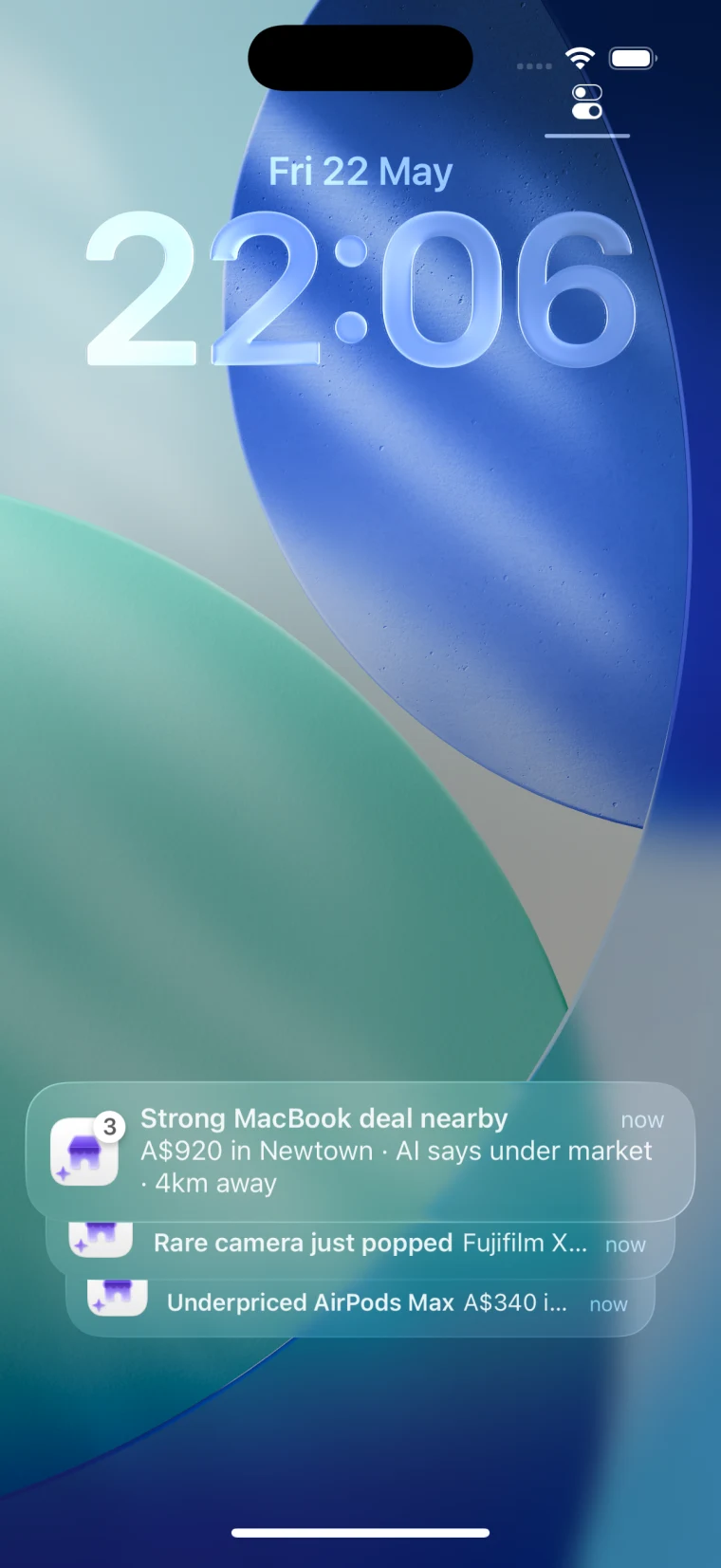
Spottable monitors Marketplace searches on its own schedule, separate from Facebook’s notification settings. After the next scheduled check finds a match, the iPhone alert includes the item, price, area, and available deal context.
Starter and Pro check hourly. Max can check as often as every minute, subject to available watch points.
Spottable plans and pricing
The iPhone app requires an active trial or subscription. Plans start at US$4.99/month. Chrome includes 3 free AI analyses per day. Starter and Pro check hourly. Max can check as often as every minute, subject to available watch points.
Download SpottableAnalyze listings in ChromeFAQ
Check two separate switches first: Marketplace notifications inside Facebook and Facebook notification permission in iOS. Then check Focus and Scheduled Summary, confirm the saved search alert is still enabled, update the app, and test with a new saved search.
Facebook can send Marketplace notifications, but Meta does not publish a saved-search delivery guarantee or a user-facing delivery log. A quiet search and a missed notification can therefore look identical. A separate watcher gives you another notification path.
First check whether iOS Scheduled Summary or a Focus delayed the notification. Facebook does not publish the scheduling rules for Marketplace search alerts, so do not assume the delay proves the saved search ran late.
Spottable is built for this. You configure the Marketplace query and location in Spottable; it does not use your Facebook login or import your Facebook saved searches. Starter and Pro check hourly, Max can check as often as every minute, and matching iPhone alerts include the item, price, and area.